Master Tech Vocabulary
One Word at a Time
The only wordsearch site built exclusively for IT and computing terms. Python. Cybersecurity. AI. Cloud. Networking. Free, instant, no login.
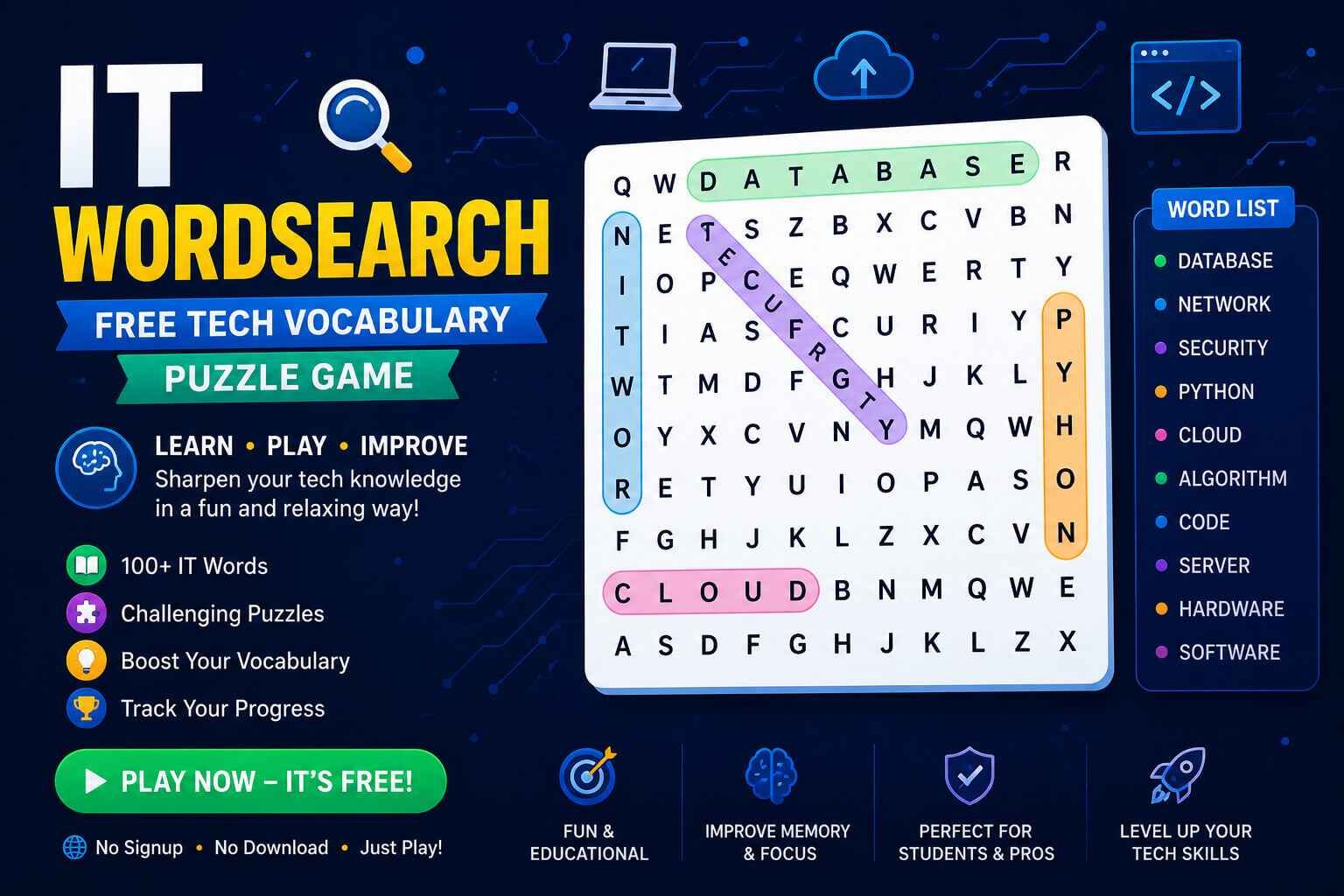
IT WordSearch is a free browser-based puzzle game where you find hidden technology terms — programming languages, network protocols, security concepts, and AI vocabulary — inside letter grids at Easy, Medium, and Hard difficulty. No download, no account required. Play directly below.
⚡ General IT — Easy
Explore IT WordSearch Categories
Each theme covers a distinct area of tech vocabulary. Click any card to load it in the game above.
Python Programming
Functions, loops, classes, decorators, pip, Django, Flask and core Python syntax.
MediumCybersecurity
Encryption, firewall, phishing, malware, VPN, zero-day, authentication, and threat terms.
HardWeb Development
HTML, CSS, JavaScript, API, REST, DOM, React, framework, and frontend vocabulary.
EasyCloud Computing
AWS, Azure, containers, microservices, serverless, Kubernetes, and cloud platform terms.
HardNetworking
TCP, IP, DNS, router, subnet, bandwidth, latency, protocol, and network fundamentals.
MediumAI & Machine Learning
Neural network, algorithm, dataset, training, inference, GPT, model, and AI terminology.
HardWhat Is an IT WordSearch?
An IT WordSearch is a grid-based puzzle where technology and computing terms are hidden horizontally, vertically, diagonally, and in reverse among a field of random letters. Unlike generic word searches, every word comes from information technology: programming languages, network protocols, cybersecurity concepts, database terms, cloud services, and AI vocabulary.
The format combines familiar word search mechanics with deliberate vocabulary exposure — making it a practical tool for anyone learning tech terminology, preparing for a certification exam, or keeping their IT knowledge sharp.
Why IT WordSearch Works for Learning Tech Vocabulary
Passive reading of technical term lists is one of the least effective retention methods. Active retrieval — searching for and identifying a specific word — is measurably stronger for memory formation. IT WordSearch force active retrieval: you must hold the target word in mind, scan for letter patterns, and confirm a match.
Who benefits most: IT students and bootcamp learners reinforcing new vocabulary, professionals preparing for certification exams (CompTIA, AWS, Google Cloud), and anyone building tech literacy who doesn’t want flashcards.
Vocabulary Retention Through Pattern Recognition
Words encountered in puzzles are seen in their full letter sequence, reinforcing correct spelling alongside meaning. Terms like ENCRYPTION, BANDWIDTH, and ALGORITHM become visually familiar through repeated scanning — especially valuable in acronym-heavy fields like networking and cloud computing.
Difficulty Progression That Matches Skill Level
Easy grids (10×10) use shorter common terms placed horizontally and vertically. Medium grids (12×12) introduce diagonal placement and less common vocabulary. Hard grids (15×15) include reverse-direction words and specialist terminology — appropriate for practitioner-level learners.
IT Topics Covered: What You’ll Learn
Python Programming
Core Python vocabulary: data types (string, integer, list, tuple, dictionary), control structures (loop, function, class, method), frameworks (Django, Flask), tools (pip, virtual environment), and key concepts (recursion, iteration, decorator, module).
Cybersecurity
Both offensive and defensive terminology: encryption types (AES, RSA), attack vectors (phishing, malware, ransomware, zero-day), defensive mechanisms (firewall, VPN, IDS, sandbox), and authentication concepts (MFA, OAuth, token, certificate). Directly aligned with CompTIA Security+ and CEH exam vocabulary.
Web Development
Frontend and backend vocabulary: HTML elements, CSS properties, JavaScript concepts, REST APIs, HTTP methods, database terms (SQL, query, schema), and popular frameworks — starter-friendly and appropriate for anyone learning to build for the web.
AI and Machine Learning
The most rapidly growing vocabulary in tech: neural network, training, inference, dataset, tokenizer, embedding, transformer, gradient, epoch, and more — broadly useful regardless of specialization.
Networking
Fundamentals that underpin all of IT: TCP, IP, DNS, DHCP, router, switch, subnet, firewall, packet, latency, bandwidth, and protocols. Essential vocabulary for CompTIA Network+, CCNA, or similar certifications.
How to Solve IT WordSearch Puzzles Faster
1. Start with Rare Letters
In IT vocabulary, letters like X (XML, Linux), Z (zero-day), Q (query), and K (Kubernetes, kernel) appear infrequently in filler letters. Scanning for these first narrows your search area dramatically, especially for longer technical terms.
2. Know Your Prefixes and Suffixes
Tech vocabulary clusters around predictable affixes: NET (network, subnet, ethernet), WARE (hardware, software, malware), PROTO (protocol, prototype), SCRIPT (JavaScript, TypeScript). Recognizing these patterns lets you spot word boundaries faster than reading letter-by-letter.
3. Work Diagonals Last
Horizontal and vertical words are easier to spot under time pressure. Scan all rows and columns for known terms first. Diagonals — especially reverse diagonals — are hardest to detect and should be reserved for words that remain after the straightforward passes.
4. Prioritize Long Words First
Long words (AUTHENTICATION, VIRTUALIZATION, MICROSERVICES) are actually easier to find because they cover more cells. Short words (IP, VM, API) are placed in clusters and harder to distinguish from noise — leave them for last.
Daily IT WordSearch: Building a Practice Habit
Five to ten minutes daily — one Easy or Medium puzzle — keeps technical vocabulary active in memory. This mirrors the spaced repetition principle used in certification study tools, but with no account, no streak pressure, and no algorithm required.
Players who work through themed puzzles in sequence (general IT → specific domain → advanced domain) build vocabulary depth in a structured way, effectively covering the breadth of an IT curriculum through play.
Frequently Asked Questions
Quick answers about IT WordSearch puzzles.