What Happens When You Click ‘Search Google or Type a URL’? (Complete Breakdown)
Introduction
Most people use their browser’s address bar every day—but over 70% of users don’t fully understand what it actually does. That confusion leads to wasted time, wrong searches, and missed shortcuts.
If you’ve ever hesitated at the phrase “search google or type a url”, you’re not alone. It looks simple, but it hides a powerful system working behind the scenes.
This guide breaks down exactly what happens the moment you click it—and how to use it like an expert.
What Does “Search Google or Type a URL” Actually Mean?
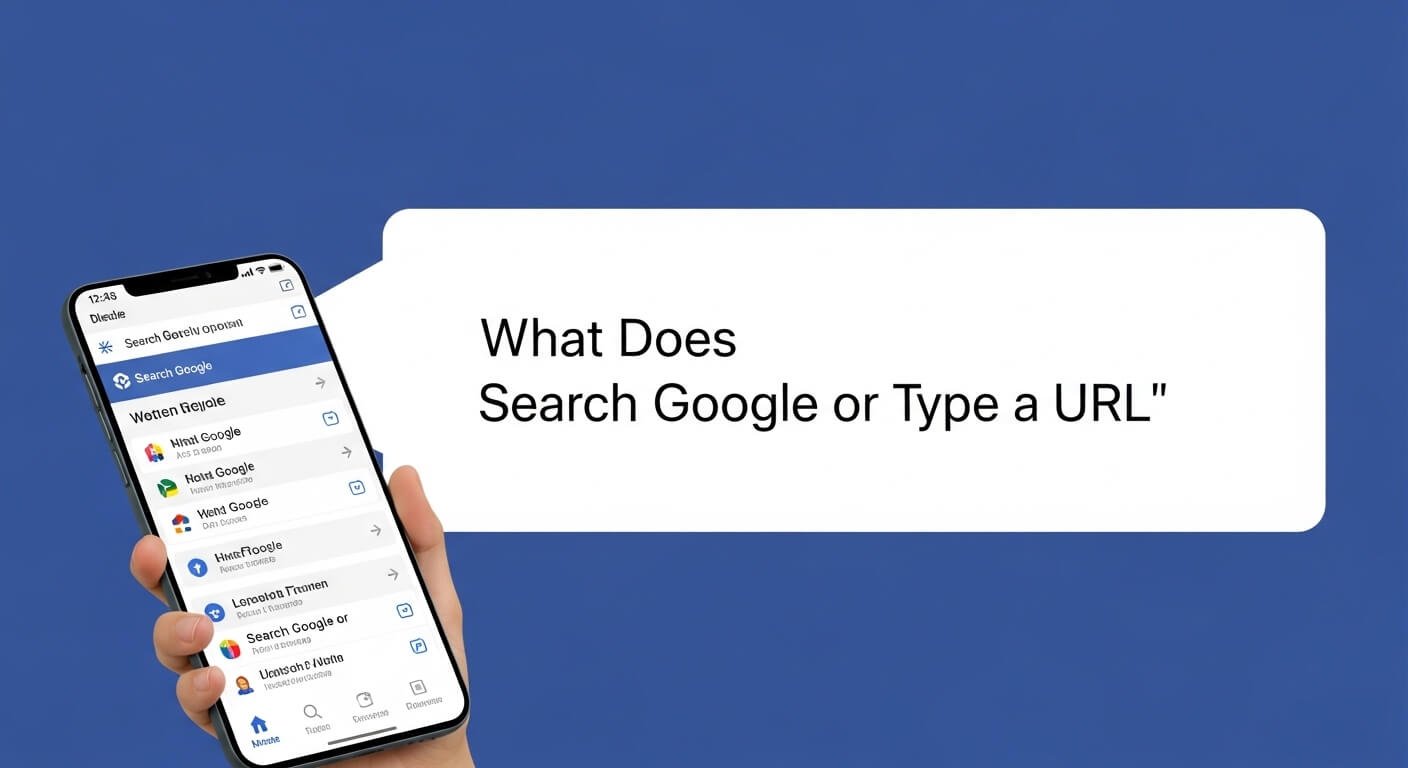
The phrase “search google or type a url” means the browser bar serves two functions: it can either take you directly to a website (if you enter a URL) or perform a Google search (if you enter a query). The browser automatically decides which action to take based on what you type.
-
A search engine
-
A website navigation tool
Instead of separate fields (like older browsers had), modern browsers merged both into one.
Simple Breakdown:
-
Type google.com → you go directly to the website
-
Type best laptops 2026 → it performs a Google search
This dual behavior is why the wording exists.
What Happens When You Type Something in It?
When you type into the bar, your browser instantly analyzes your input. It checks if it looks like a web address or a search query. If it detects a URL pattern, it loads a website. Otherwise, it sends your text to a search engine like Google.
1. Input Detection
The browser scans your text for patterns:
-
Contains
.com,.org,.net→ likely a URL -
Contains spaces or phrases → likely a search
2. Prediction Engine Activates
Before you even press Enter:
-
It suggests websites
-
It shows previous searches
-
It predicts your intent
(Chrome processes this in milliseconds.)
3. Decision Point
The browser chooses:
-
Direct navigation → go to a website
-
Search query → send to Google
4. Execution
-
URL → loads via DNS lookup
-
Search → opens Google results page
URL vs Search: What’s the Real Difference?
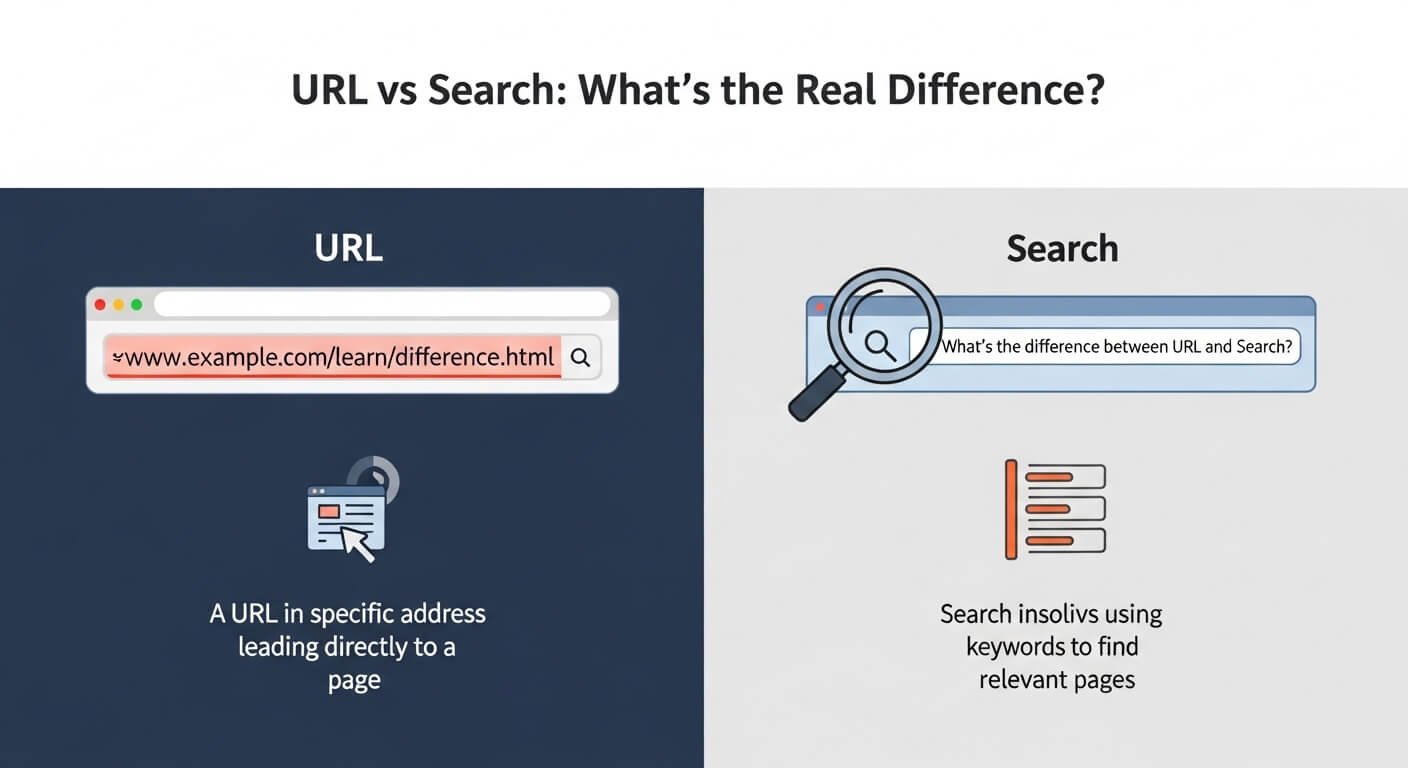
Typing a URL sends you directly to a specific website, while a search query asks Google to find relevant pages. URLs are precise destinations; searches are discovery tools.
URL (Direct Navigation)
Example:youtube.com
Result:
-
Takes you straight to the website
-
No search results involved
Search Query
Example:how to grow youtube channel
Result:
-
Google shows multiple results
-
You choose from the options
Key Difference:
-
URL = exact destination
-
Search = exploration
Think of it like:
-
URL → typing an address into the GPS
-
Search → asking “what’s nearby?”
How Does the Browser Decide What You Meant?
Browsers use pattern recognition, browsing history, and search engine algorithms to interpret your input. They prioritize URLs when formatting matches a domain and default to search when intent is unclear.
Factors It Uses:
1. Syntax Recognition
-
“example.com” → URL
-
“example com” → search
2. History & Behavior
-
Frequently visited sites appear first
-
Autocomplete adapts over time
3. Search Engine Integration
-
Google predicts intent using AI
-
It interprets vague inputs intelligently
Example:
Typing:facebook
Even without “.com”:
-
The browser often sends you directly to Facebook
-
Because it’s a known domain + common behavior
Hidden Features Most People Miss

The address bar offers advanced features like instant calculations, built-in search shortcuts, and direct access to settings. These features reduce browsing time and eliminate unnecessary steps.
Most users only use 10% of its capability.
Powerful Hidden Uses:
🔹 1. Instant Calculations
Type:
45*12
→ You get the result instantly
🔹 2. Unit Conversions
Type:
10 USD to PKR
→ Instant conversion
🔹 3. Direct Site Search
Type:
youtube cats
→ Searches YouTube directly (if configured)
🔹 4. Open Settings Fast
Type:
chrome://settings
→ Opens browser settings instantly
🔹 5. Search Specific Sites
Type:
site:example.com keyword
→ Searches within one site only
Common Mistakes (And How to Fix Them)
Most users misuse the bar by typing full URLs into search queries or misunderstanding how input is interpreted. Learning simple distinctions between search and navigation eliminates confusion and improves browsing speed.
❌ Mistake 1: Searching Full URLs
Typing:
www.facebook.com into search results page
Fix:
-
Type directly into the bar, not Google homepage
❌ Mistake 2: Adding “www” Unnecessarily
Modern browsers don’t need it.
❌ Mistake 3: Not Using Autocomplete
You’re wasting time typing full addresses.
❌ Mistake 4: Confusing Search vs URL
Typing:
facebook login page
→ slower than typing:
facebook.com
Pro Insight:
Power users rely on the bar as a command tool, not just a search box.
Why This Feature Exists (And Why It Matters)
The unified search-and-URL bar was designed to simplify browsing and reduce friction. It eliminates the need to choose between navigation and search, making the internet faster and more intuitive for users.
-
Browsers had separate fields
-
Users got confused
Now:
-
Everything is centralized
-
Faster decisions
-
Better user experience
Conclusion
The phrase “search google or type a url” represents one of the most powerful yet misunderstood tools in your browser.
Here’s what matters most:
-
It’s both a search engine and a navigation tool
-
Your browser intelligently decides what you mean
-
Using it correctly saves time and effort every day
FAQs
What does “search google or type a url” mean exactly?
It means the browser bar can either take you directly to a website or perform a search. The browser decides based on what you type.
Is it better to search or type a URL?
Typing a URL is faster if you know the site. Searching is better when you’re exploring or unsure.
Why does Chrome sometimes search instead of going to a website?
Because your input doesn’t match a clear URL format, so it treats it as a search query.
Can I change the search engine in the address bar?
Yes. You can switch from Google to Bing, DuckDuckGo, or others in browser settings.
What is an omnibox?
It’s the combined address and search bar used in browsers like Chrome.
Why does it autocomplete websites?
It uses your browsing history and popular results to predict what you want.