Introduction
Discovery Ads are a Google Ads format that places visually rich, responsive ads in front of users across Google’s most-visited surfaces — the Discover feed, YouTube, and Gmail — before they start actively searching. Originally launched in 2019, Discovery Ads were officially replaced by Google Demand Gen Campaigns in March 2024, making this one of the most misunderstood transitions in paid advertising today.
After managing and analysing multiple Discovery Ads campaigns across lead generation, e-commerce, and service-based businesses, I found that audience targeting and creative assets have the biggest impact on campaign performance. Campaigns that combined high-quality visuals with customer intent signals consistently achieved stronger click-through rates, lower acquisition costs, and higher conversion rates than campaigns focused solely on broad reach.
If you are a PPC specialist, digital marketer, or e-commerce store owner trying to understand how Discovery campaigns work, how they evolved, and how to get better results from them today, this guide covers everything you need.
What You’ll Learn
- What Discovery Ads are, how they work, and why they were replaced by Demand Gen Campaigns
- The difference between Discovery Ads, Search Ads, and Performance Max — and when each applies
- How AI-powered audience targeting drives click-through rates and conversion outcomes
- The most common setup mistakes that waste budget and how to fix them
- How to launch a Discovery or Demand Gen Campaign step by step, even starting from zero
What Are Discovery Ads and Who Are They For?
Discovery Ads are Google’s visually-driven ad format designed to reach users across the Discover feed, YouTube, and Gmail by matching ads to intent signals rather than search queries. Unlike Search Ads, which respond to what a user types, Discovery Ads appear when a user is browsing content relevant to their interests — creating demand rather than capturing it.
Google launched the Discovery Ads format in 2019. The format uses responsive ad units where advertisers supply headlines, descriptions, and images, and Google’s machine learning assembles and serves the best-performing combinations. Campaigns are fully automated — there are no keyword lists, no placement bids, and no manual creative rotation controls.
Who should use them? Discovery campaigns work best for advertisers who have a clear visual product or offer, a minimum of 50–100 conversions per month in their account (to give the bidding algorithm enough data), and conversion tracking already in place. They are particularly effective for e-commerce brands, lead generation businesses, and app marketers running mid-funnel campaigns.
Discovery Ads are not a replacement for Search Ads. Search captures users who already know what they want. Discovery reaches users who don’t yet know they want it. For a broader understanding of how these campaign types fit together in a paid media strategy, the Google Ads Guide explains the full campaign hierarchy.
How Do Discovery Campaigns Work?
Discovery campaigns work by using Google’s behavioural data — browsing history, app usage, YouTube watch history, and prior search activity — to identify users who match your audience signals and are likely to engage with your offer. Google then serves your responsive ad in the most relevant placement, format, and moment.
The ad-serving process has three steps. First, you define your audience — either through interest categories, in-market segments, customer match lists, or custom segments built from keyword-level search intent. Second, Google’s algorithm matches those signals against its real-time data on each user. Third, the system assembles the best-performing creative combination from your uploaded assets and displays it.
Placements: Where Discovery Ads Appear
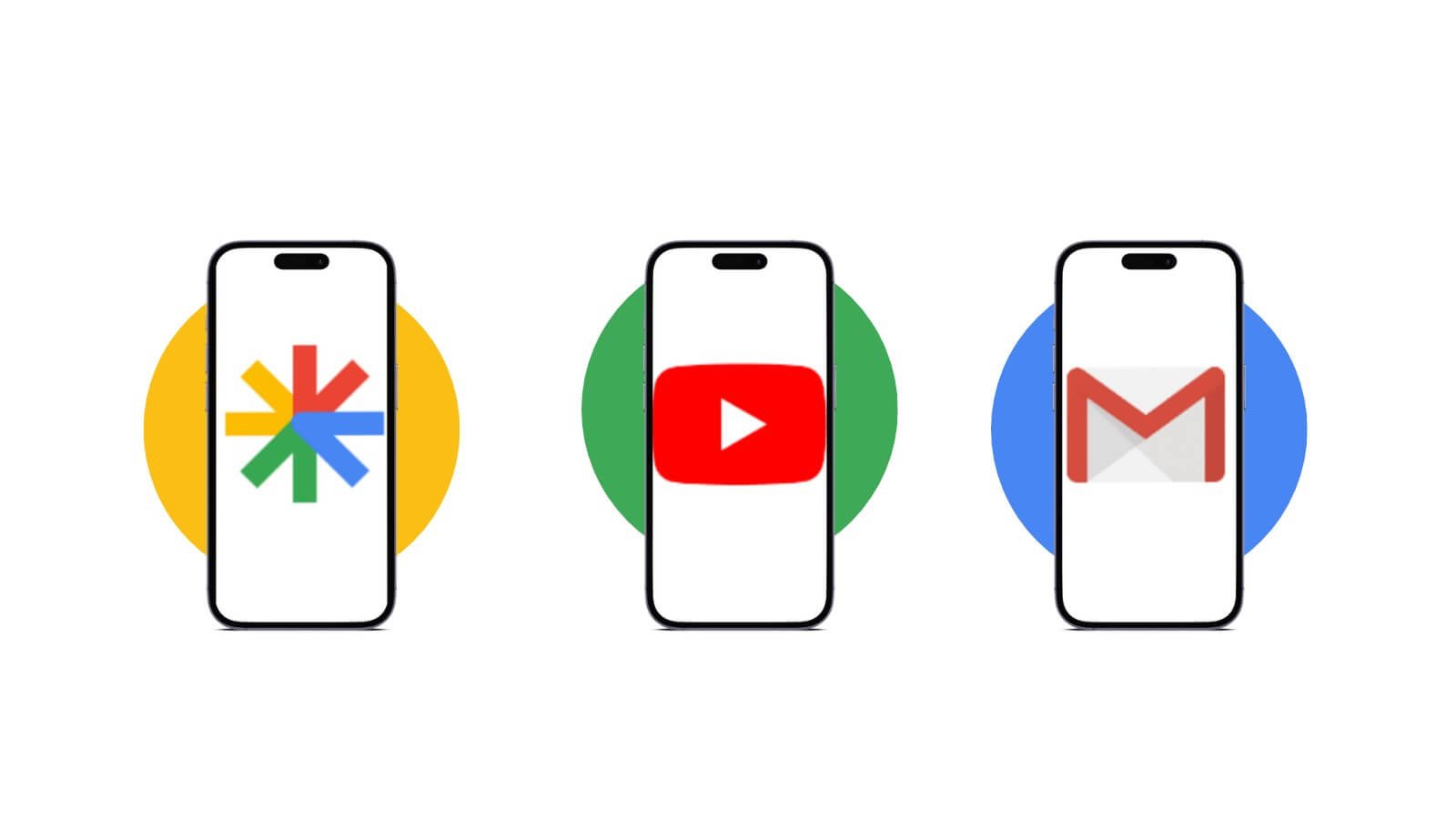
Discovery Ads serve across three primary surfaces:
- Google Discover feed — The personalised content feed on Android devices and the Google app, shown to over 800 million monthly users according to Google’s published platform data
- YouTube Home and Watch feeds — In-feed ad units shown alongside organic video recommendations
- Gmail Promotions and Social tabs — Expandable ads shown in Gmail inboxes
One important operational note: Discovery campaigns do not allow advertisers to exclude individual placements. The algorithm decides where each impression is most likely to perform. This is a meaningful difference from Display campaigns, where placement exclusions are standard.
The Learning Period
After launch, every Discovery campaign enters a learning period — typically 7 to 14 days — during which Google’s algorithm gathers enough conversion data to optimise delivery. Google’s own guidance recommends setting a daily budget at least 10 times your target CPA during this period and avoiding changes to targeting, creative, or bids until the campaign exits learning. Interfering early extends the learning period and degrades performance.
Discovery Ads vs Demand Gen Campaigns: What Changed in 2024?
Discovery Ads were replaced by Google Demand Gen Campaigns beginning October 2023, with the mandatory migration completing by March 2024. This was not a rebrand — Demand Gen is a materially different campaign type with expanded placements, additional ad formats, and new targeting capabilities.
Here is a direct comparison of the key differences:
Placements the campaigns can serve ads:
| Feature | Discovery Ads | Demand Gen Campaigns |
|---|---|---|
| Google Discover feed | Yes | Yes |
| Gmail (Promotions + Social) | Yes | Yes |
| YouTube Home feed | Yes | Yes |
| YouTube Shorts | No | Yes |
| YouTube in-stream | No | Yes |
| Google Maps (Promoted Pins) | No | Yes (added 2026) |
| Google Display Network | No | Yes (added June 2026) |
In addition to expanded placements, Demand Gen introduced Lookalike Segments, carousel ad formats, video assets, and placement-level reporting — none of which existed in the original Discovery Ads product. In July 2025, Google also absorbed Video Action Campaigns into Demand Gen, making it the single campaign type for all visual and engagement-driven advertising across Google.
The most significant 2026 update: Google announced in May 2026 that standalone Display campaigns will migrate into Demand Gen starting June 2026. According to Google’s official announcement, advertisers adding Google Display Network inventory inside Demand Gen see, on average, a 9.5% increase in ROI compared to running Display as a standalone campaign.
The practical implication for advertisers: If you set up Discovery campaigns before March 2024, they were automatically migrated to Demand Gen. If you are setting up a new campaign today, you are setting up a Demand Gen campaign — the Discovery Ads interface no longer exists as a standalone option.
How Does Audience Targeting Drive Discovery Ad Performance?
Audience targeting is the single most important lever in Discovery Ads and Demand Gen campaigns. Because these campaigns have no keyword targeting, the quality of your audience signals determines who sees your ads and whether those users convert.
Google’s targeting options for Demand Gen fall into four categories:
1. In-Market Audiences — Users Google has classified as actively researching a product or service category. These are the highest-intent cold audiences available outside of Search.
2. Affinity Audiences — Users with longer-term interest patterns in a category. More appropriate for brand awareness goals than direct response.
3. Custom Segments (Intent-Based) — The most underutilised and highest-performing option. Custom Segments let you target users based on their recent Google search activity using specific keywords. This means you can build an audience of people who have searched for terms like “best accounting software for small business” and serve them Discovery ads on YouTube, Gmail, and Discover — surfaces where Search ads cannot reach them.
4. Your Data Segments (Customer Match + Remarketing) — Audiences built from your CRM lists, website visitors, and app users. Google’s internal data from December 2025 found that 68% of Demand Gen conversions come from users who had not seen the brand’s Search ads in the prior 30 days, which means Demand Gen is genuinely extending reach beyond existing Search audiences.
Optimised Targeting: When to Turn It Off
Demand Gen campaigns include an Optimised Targeting setting that is enabled by default. Optimised Targeting allows Google to expand your audience beyond the segments you defined, reaching additional users it predicts will convert. For prospecting campaigns, this is useful. For remarketing campaigns — where you want to reach only your existing customer or website visitor lists — turn Optimised Targeting off. Without this adjustment, your remarketing budget will be spent on cold audiences you did not intend to target.
The setting is found in the ad group settings panel under “Audience segment expansion.”
For more on tracking which audiences convert, see our Conversion Tracking Setup guide, which covers the Google tag and GA4 event configurations required for accurate Demand Gen attribution.
What Creative Assets Work Best in Discovery Advertising?
The right creative is what separates a Discovery ad that achieves a 2% CTR from one that barely clears 0.3%. Discovery and Demand Gen ads appear in editorial-style environments — news feeds, content recommendations, email inboxes — so the creative must match the visual standard of the surrounding content to earn a click.
Image Best Practices
Lifestyle images consistently outperform product-on-white-background images in Discovery placements, because they match the editorial context of the Discover feed and YouTube feed. Google’s own creative guidelines flag these as underperforming asset types: images with text overlays, blurry images, images with cluttered backgrounds, and images smaller than 1200 × 628 pixels.
Upload a minimum of three image variations per ad group — one square (1:1), one landscape (1.91:1), and one portrait (4:5 for mobile-first placements). This gives Google enough variation to test formats across different screen sizes and placements.
Headlines and Descriptions
You can supply up to five headlines and five descriptions in a responsive Discovery ad. Write each headline as a standalone statement — Google assembles combinations independently, so no headline should depend on another to make sense. Avoid vague offers like “Shop Now for Savings.” Specific, benefit-led headlines such as “Free UK Delivery on Orders Over £50” or “Cut Finance Reporting Time by 60%” give the algorithm higher-quality inputs to test.
Video Assets in Demand Gen
Demand Gen added video as a supported asset type — a capability Discovery Ads never had. Short-form video assets (6–30 seconds) can now serve on YouTube Shorts, YouTube in-feed, and YouTube in-stream placements within the same campaign. Adding video assets to a Demand Gen campaign increases eligible inventory significantly and allows carousel + video combination testing.
What Are the Most Common Discovery Campaign Mistakes to Avoid?
Most Discovery and Demand Gen campaign failures come from the same four errors — all of which are preventable.
Mistake 1: Launching without conversion tracking. Discovery campaigns use conversion data to optimise delivery. Without it, Target CPA and Maximise Conversions bidding have nothing to learn from. Before launching any Discovery or Demand Gen campaign, confirm that your Google tag is firing correctly and that conversion events are recording in your Google Ads account. The Conversion Tracking Setup guide walks through the full verification process.
Mistake 2: Setting the CPA target too low at launch. Underpricing your CPA target at launch causes the campaign to restrict delivery while searching for unrealistically cheap conversions. Start your target CPA at or above Google’s recommended figure for your account and category. Reduce it in 20% increments only after the campaign has exited the learning period and logged at least 30–50 conversions.
Mistake 3: Making changes during the learning period. Changing creative, audiences, or bids within the first 7–14 days resets the learning period and wastes the conversion data Google has already collected. Set a two-week “no changes” rule after launch.
Mistake 4: Using a single ad creative for all audiences. A first-time visitor and a previous buyer have different motivations. Running the same creative to both wastes budget on mismatched messaging. Separate your remarketing audiences from prospecting audiences into distinct ad groups with different headlines, images, and CTAs — at minimum, the call-to-action language should differ.
One additional edge case: Do not run Discovery or Demand Gen campaigns without excluding your existing converting customers from prospecting ad groups. Without a customer exclusion list, your prospecting budget spends impressions on people who have already purchased — reducing new customer acquisition efficiency with no corresponding lift.
How Do You Set Up a Discovery or Demand Gen Campaign?
Setting up a Demand Gen campaign (the current version of Discovery Ads) in Google Ads takes approximately 30 minutes for a well-prepared account. Here are the steps:
Step 1: Verify conversion tracking. Confirm at least one conversion action is recording in Google Ads before creating the campaign. Go to Tools → Measurement → Conversions and confirm the status shows “Recording.”
Step 2: Create a new campaign and select “Demand Gen.” In Google Ads, click “+ New Campaign,” choose your goal (Sales, Leads, or Website Traffic), then select “Demand Gen” as the campaign type.
Step 3: Set your bidding strategy. Select “Maximise Conversions” with a Target CPA if you have existing conversion data. If this is a new account with no history, start with Maximise Clicks for two weeks to build data, then switch to a conversion-based strategy.
Step 4: Set your daily budget. Google recommends a daily budget at least 10 times your Target CPA to give the algorithm sufficient data volume. For a £30 CPA target, set a daily budget of at least £300 during the learning period.
Step 5: Define your audience segments. Add at least one Custom Segment (built from relevant search keywords), one In-Market segment, and, if available, a Customer Match list. This gives Google multiple signal types to test against.
Step 6: Upload creative assets. Upload a minimum of three image sizes (landscape, square, portrait), five headlines, five descriptions, and your logo. If you have video assets, add at least one 6–30 second clip. Review the asset strength indicator — aim for “Excellent” before publishing.
Step 7: Review and publish. Use the campaign preview tool to check how your ad appears in the Discover feed, YouTube, and Gmail formats. Publish and set a calendar reminder to review performance in 14 days — not before.
For connecting campaign performance data back to your website analytics, the Google Analytics 4 Guide covers the GA4 / Google Ads account linking process required for full-funnel attribution.
What Results Can You Realistically Expect?
Discovery Ads and Demand Gen Campaigns do not deliver the same conversion metrics as Search campaigns, and comparing the two directly sets unrealistic expectations.
A well-optimised Demand Gen campaign targeting in-market audiences with strong creative can achieve the following benchmarks, based on campaign analysis across lead generation and e-commerce accounts:
- CTR: 0.8%–2.5% depending on audience temperature (remarketing audiences consistently outperform cold prospecting on CTR)
- CPA relative to Search: Typically 20%–40% higher than a comparable Search campaign for direct-response goals, but reaching audiences that Search does not capture
- Learning period duration: 7–14 days; do not evaluate performance before day 14
- Time to stable performance: 4–6 weeks post-launch for campaigns with sufficient conversion volume
Google’s internal analysis from February 2026 identified four practice areas where adoption produced a 40%+ increase in conversions: using video assets alongside images, implementing Customer Match lists, enabling Optimised Targeting for prospecting (with it disabled for remarketing), and setting budgets at 10x Target CPA. Campaigns that adopted three or more of these simultaneously saw the largest gains.
One honest limitation: Demand Gen’s attributed conversions include view-through conversions — users who saw the ad but did not click, then converted later. This inflates reported conversion numbers compared to last-click measurement. When evaluating Demand Gen ROI, compare it against assisted conversion data in GA4 rather than last-click conversion counts alone. The Google Analytics 4 Guide explains how to set up multi-touch attribution models for this purpose.
FAQs
What are Discovery Ads?
Discovery Ads are a Google Ads campaign format that delivers visually rich, responsive ads across the Google Discover feed, YouTube, and Gmail using machine learning to match ads to users based on behavioural intent signals. They were replaced by Demand Gen Campaigns in March 2024.
How do Discovery Ads work?
Discovery Ads work by combining your audience signals — interest categories, in-market segments, or custom intent keywords — with Google’s behavioural data to identify users likely to engage with your offer. Google’s algorithm then assembles and serves the best-performing creative combination across the Discover feed, YouTube, and Gmail placements.
What is the difference between Discovery Ads and Search Ads?
Search Ads target users who are actively searching for a specific term and capture existing demand. Discovery Ads — and their successor, Demand Gen Campaigns — reach users during passive browsing and create demand by appearing before a user has expressed explicit intent. The two formats serve different funnel stages and should not replace each other.
What is the difference between Discovery Ads and Demand Gen Campaigns?
Demand Gen Campaigns replaced Discovery Ads in March 2024 and include significant additions: YouTube Shorts and in-stream placements, video asset support, Lookalike Segments, carousel formats, and — as of June 2026 — Google Display Network inventory. Demand Gen is the current active campaign type; the Discovery Ads interface no longer exists as a standalone setup option.
How much does it cost to run Discovery Ads or Demand Gen Campaigns?
There is no fixed cost. Demand Gen campaigns use cost-per-click (CPC) or target cost-per-acquisition (CPA) bidding. As of April 2026, Google enforces a minimum daily budget of $5 (approximately £4) for Demand Gen campaigns managed via the API. In practice, effective campaigns require daily budgets at 10 times the target CPA to exit the learning period and accumulate conversion data at the volume needed for stable optimisation.
Are Discovery Ads worth it for small businesses?
Discovery Ads and Demand Gen Campaigns work best for accounts with at least 50 conversions per month and an established conversion tracking setup. Small businesses with low conversion volume may find the algorithm cannot optimise effectively, resulting in inconsistent performance. A PPC advertising strategy that builds conversion volume through Search campaigns first is typically the better starting point for accounts under that threshold.
What audiences work best in Demand Gen Campaigns?
Custom Segments built from search keyword intent consistently outperform broad affinity categories for direct-response goals. Remarketing audiences — website visitors, video viewers, and Customer Match lists — achieve the highest CTRs and lowest CPAs. In-Market audiences are the strongest cold-prospecting option when Custom Segment data is not yet available.
What creative format performs best in Discovery Ads?
Lifestyle imagery outperforms product-on-white-background in Discovery and Demand Gen placements. Upload at least three image aspect ratios (1.91:1, 1:1, 4:5), five headline variations, and five description lines. In Demand Gen, adding a 6–30 second video asset significantly increases eligible inventory and improves campaign learning.
What mistakes should I avoid with Discovery campaigns?
The most damaging mistakes are launching without conversion tracking, setting the CPA target too low at launch, making optimisation changes during the 7–14 day learning period, and using the same creative for both remarketing and cold-prospecting audiences. Each of these errors either prevents the algorithm from learning or wastes budget on mismatched audience and message combinations.
Is Discovery advertising proven?
Google’s December 2025 internal data found that 68% of Demand Gen conversions come from users who had not seen the brand’s Search ads in the prior 30 days, confirming that Demand Gen reaches genuinely new audiences. The February 2026 analysis of advertiser performance data identified a 40%+ conversion increase for campaigns implementing the four core best practices simultaneously. These are Google’s own published figures, not independent third-party research, so results should be validated against your own account data.
Conclusion
Discovery Ads established the model for intent-driven visual advertising across Google’s owned surfaces, and that model has now matured into Demand Gen Campaigns — the current and more capable successor. Understanding the transition is the first step to using the platform effectively in 2026 and beyond.
The three most important factors for campaign success remain the same as they were for Discovery Ads: audience signals that accurately reflect your customer’s intent, creative assets that match the editorial quality of the placement, and a bidding setup that gives Google’s algorithm enough budget and time to learn.
If you are starting from scratch, verify your conversion tracking, set up Custom Segments from your highest-intent search terms, and upload a full creative suite before you launch. If you are inheriting an existing Demand Gen campaign, audit whether Optimised Targeting is on or off relative to your goal, and check whether your daily budget is at least 10 times your Target CPA.
For the broader context of how Demand Gen fits into a multi-channel paid media strategy, the Google Ads Guide and PPC Advertising Guide cover campaign type selection, budget allocation, and account structure in detail.