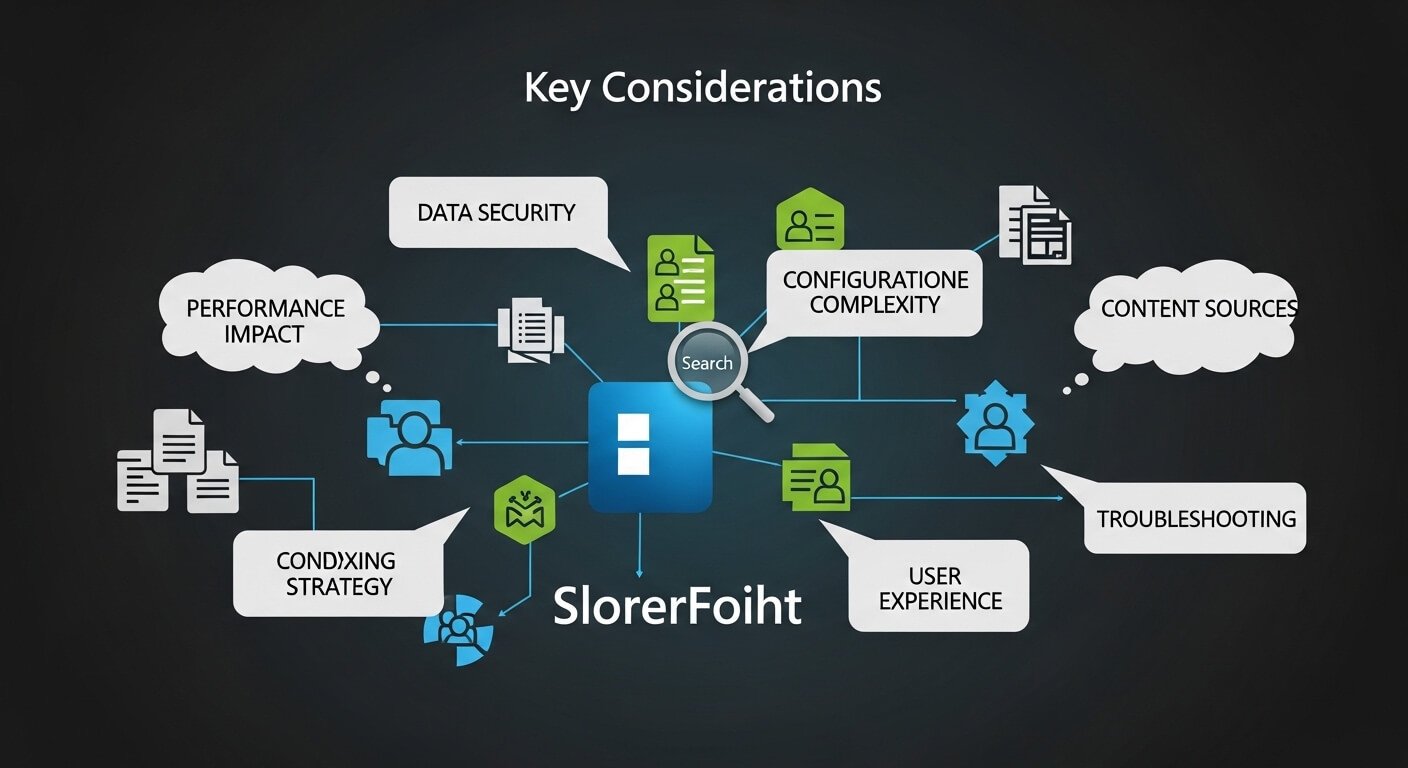
Integrating the SharePoint 2019 Connector can transform how organizations access information, offering a comprehensive search experience across multiple content repositories. However, setting it up requires careful consideration of various technical and functional aspects to ensure a seamless user experience.
Whether used in a small business or a large enterprise, a properly configured SharePoint 2019 Connector can significantly improve the efficiency and accuracy of searches, leading to better information management and productivity. Below, we discuss the key factors to bear in mind for utilizing this powerful tool effectively.
Exploring SharePoint 2019 Connector for Enhanced Search Capabilities
The SharePoint 2019 Connector is designed to expand the horizons of your existing search capabilities, making it a vital component for organizations relying heavily on data retrieval. By connecting disparate data sources, it facilitates a unified search experience, ensuring that users have access to a broad range of content from within the SharePoint environment.
This connector supports a variety of content types, including documents, lists, libraries, and web content, which are indexed to make them searchable. Enhanced features like the ability to crawl content at scheduled intervals ensure that search results remain current and relevant. The sharepoint 2019 connector for search enables organizations to leverage these capabilities effectively.
When deploying the SharePoint 2019 Connector for search, it’s important to map out your content sources and decide the frequency of crawls for up-to-date information. Prioritizing critical data for indexing can improve search performance and user satisfaction.
Configuring SharePoint 2019 Connector for Optimal Search Results
To derive the maximum benefit from the SharePoint 2019 Connector, proper configuration is key. This begins with a thorough understanding of search schema, managed properties, and crawl rules, which can all be customized to meet specific search requirements.
Managed properties, for instance, are attributes of crawled content that you can set to be retrievable and searchable. Creating a detailed managed property strategy will improve search accuracy and the relevancy of results. Furthermore, it’s wise to configure crawl rules to define what content should be included or excluded from search indexes.
Considering the business context and user needs is crucial when adjusting the search settings. Play close attention to the types of searches users perform and optimize the content sources and managed properties accordingly for an improved search experience.
Security Considerations When Using SharePoint 2019 Connector
While improving search capabilities, it’s also vital to manage security implications. SharePoint 2019 Connector operates within the governance of SharePoint’s security model, which means that search results will adhere to the permissions and restrictions applied to user accounts.
To keep search results secure, ensure that content access permissions are accurately reflected in SharePoint’s security settings. This minimizes the risk of sensitive data being inadvertently disclosed in search results. Properly managing users’ access levels and auditing search configurations regularly can help in maintaining tight security.
It may also be beneficial to leverage SharePoint’s security features, such as Secure Store Service or user identity mapping, to enhance the security profile of your search operations. Implementing these measures ensures that users find what they need without compromising data security.
Troubleshooting Common Issues with SharePoint 2019 Search Connector

Even with meticulous setup and configuration, issues with the SharePoint 2019 Search Connector can still arise, often affecting the quality and reliability of search results. Common problems include incomplete indexing, slow search performance, and unexpected errors during searches.
To address these issues, regular monitoring and maintenance of the search system are essential. This involves checking crawl logs for errors, reviewing search latency reports, and ensuring that the search schema is up-to-date. Additionally, hardware and software resources should be scaled appropriately to handle the search workload.
Establishing a process for users to report search-related issues is also advisable. Input from end users can provide valuable insights into how the search experience can be improved and can guide administrators in making targeted adjustments to the search connector’s configuration.
Ultimately, the SharePoint 2019 Connector for search can be a vital tool for consolidating data and improving information accessibility within an organization. By understanding the intricacies of configuring and managing the connector, prioritizing security, and efficiently troubleshooting common issues, businesses can enhance their search capabilities significantly. Adopting these best practices will lead to a more effective and secure search experience for all users.